> ## Documentation Index
> Fetch the complete documentation index at: https://nango-marcin-nan-6306-mcp-tool-connections-get.mintlify.site/llms.txt
> Use this file to discover all available pages before exploring further.
# SHOPLINE - How do I link my account?
# Overview
SHOPLINE lets merchants generate a static access token directly from their store admin, without going through an OAuth flow. You need two things to connect: your store's **handle** and an **access token**.
### Instructions
#### Step 1: Finding your store handle
Your store handle is the first part of your SHOPLINE store's domain. For example, if your store is at `open001.myshopline.com`, your handle is `open001`.
#### Step 2: Generating an access token
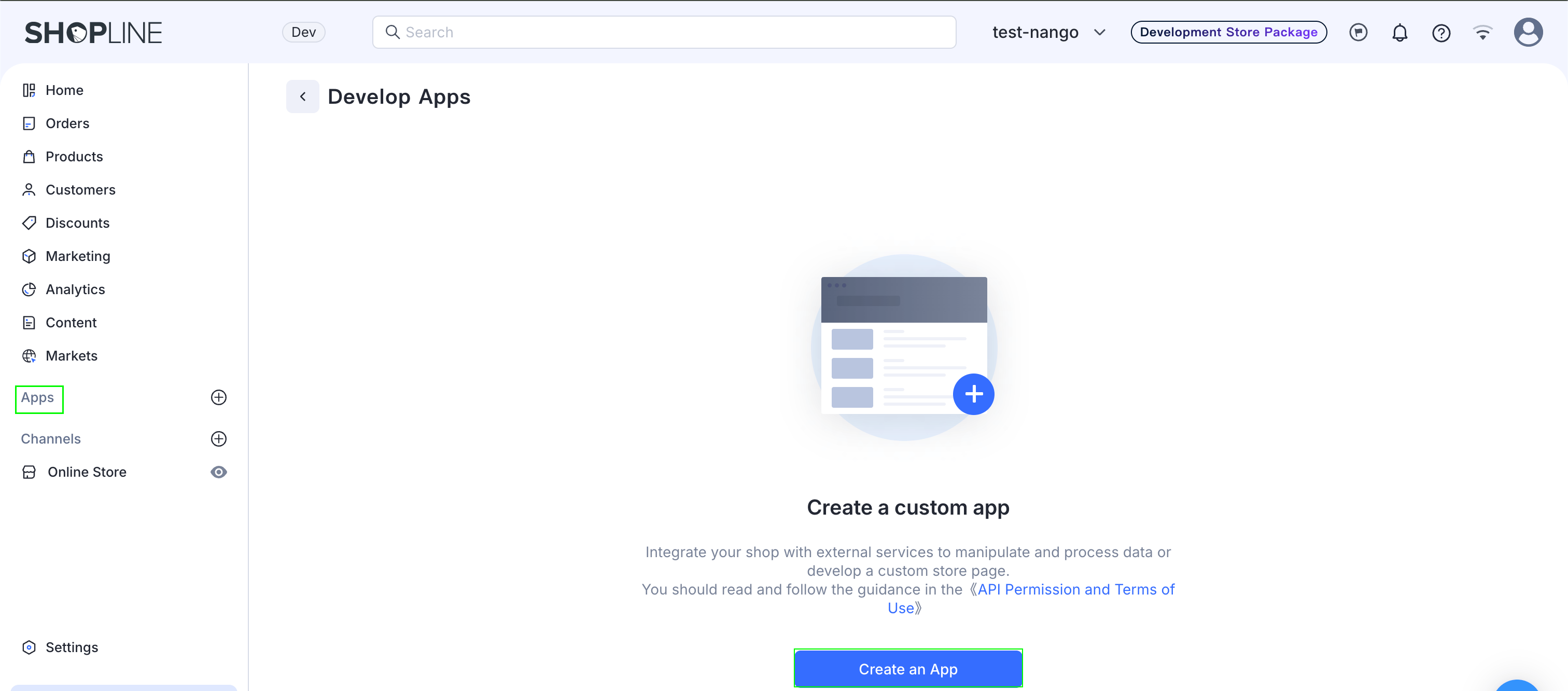
1. In your SHOPLINE admin, go to **Apps** -> **Develop apps** and create a new app (name, developer, contact email).
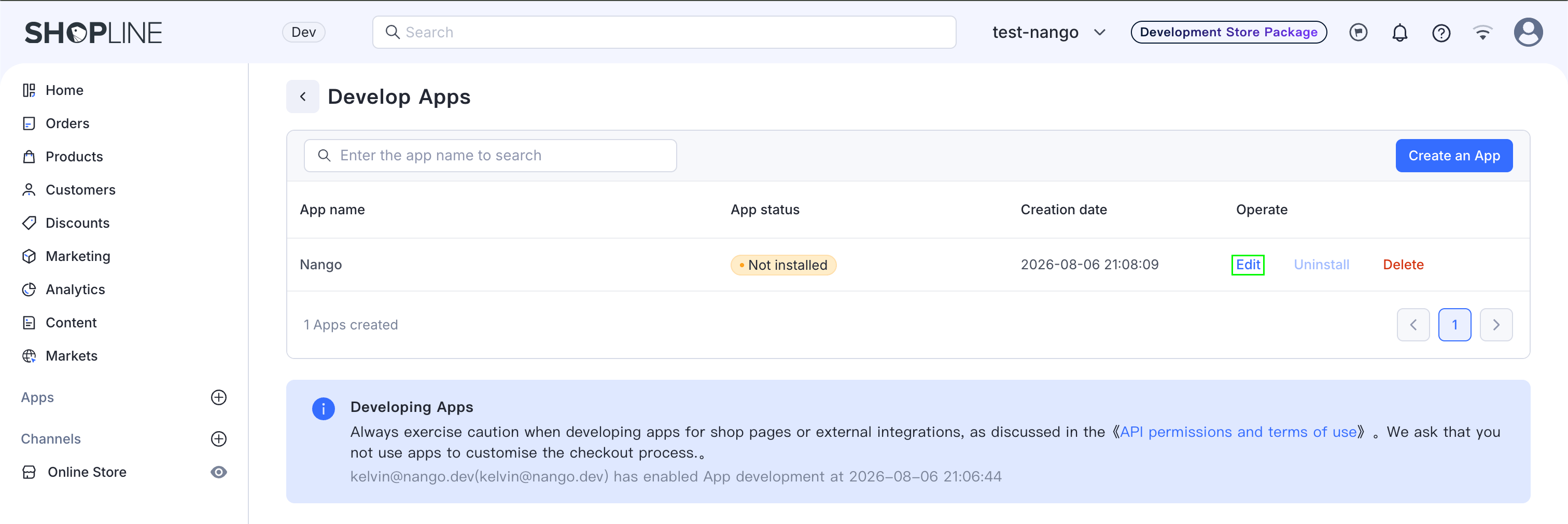
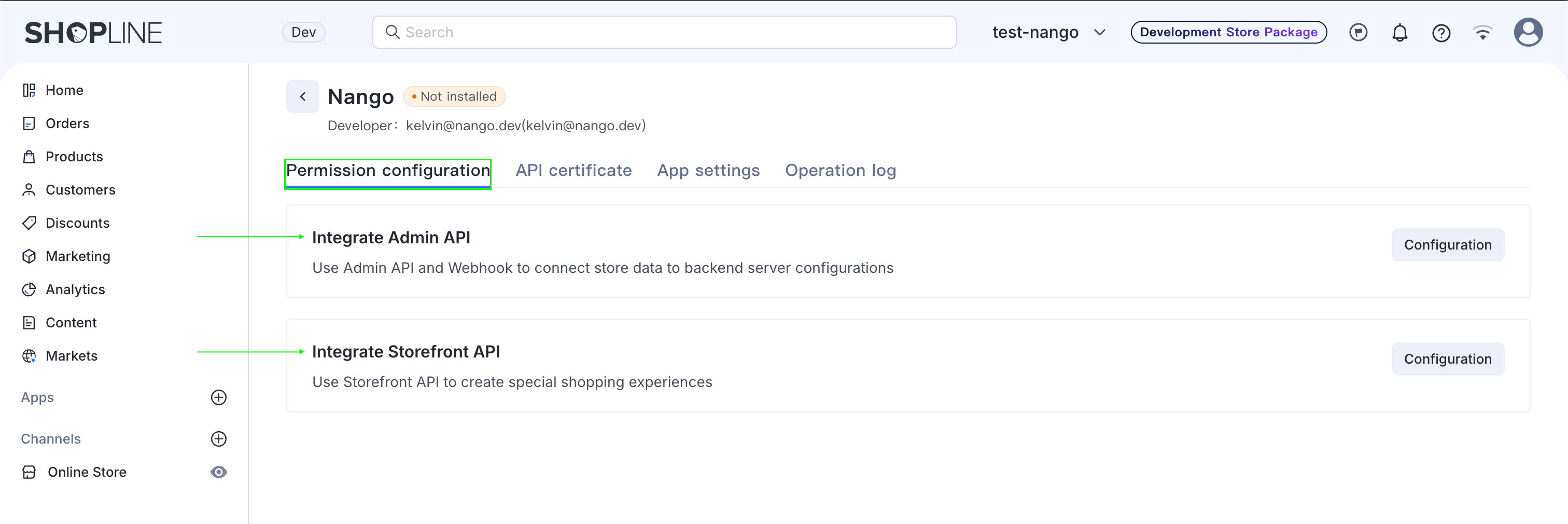
 2. Open the app, click **Edit**, and assign the Backend API permissions your integration needs.
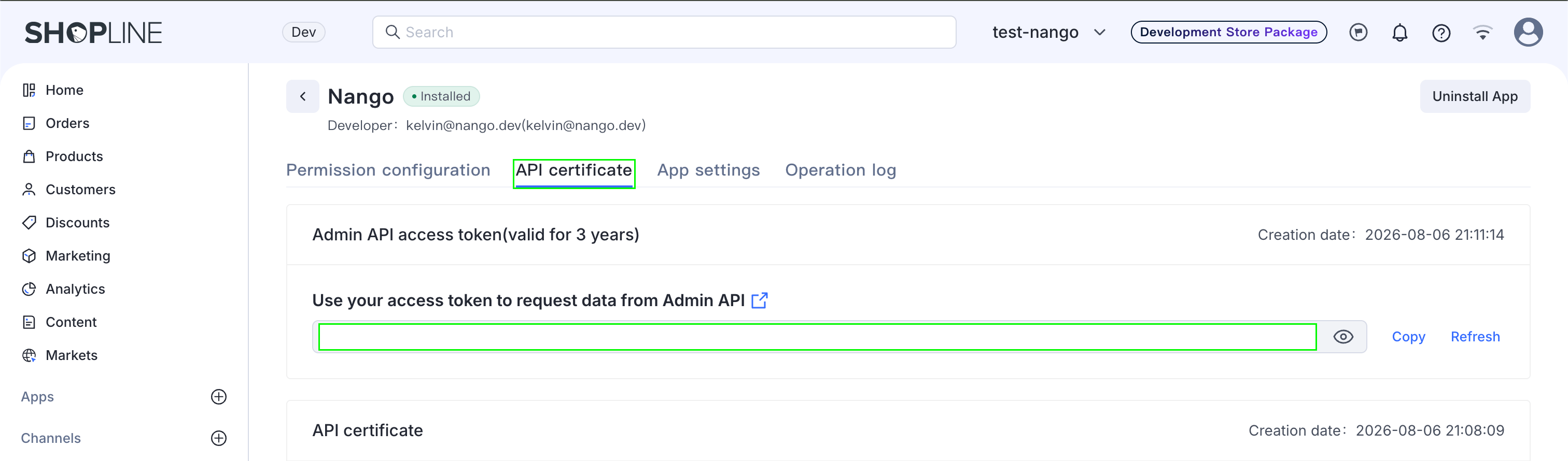
 3. Go to the **API Certificate** tab and click **Install App**.
4. Once installed, view the **Access Token**. SHOPLINE emails a verification code to your login email — enter it to reveal and copy the token.
3. Go to the **API Certificate** tab and click **Install App**.
4. Once installed, view the **Access Token**. SHOPLINE emails a verification code to your login email — enter it to reveal and copy the token.
 The access token is valid for 3 years. Once it expires, you'll need to generate a new one and reauthorize the connection.
#### Step 3: Authorize SHOPLINE
1. Open the form where you need to authenticate with SHOPLINE.
2. Enter your **Store Handle** and paste your **Access Token**.
3. Submit the form, and you should be successfully authenticated.
The access token is valid for 3 years. Once it expires, you'll need to generate a new one and reauthorize the connection.
#### Step 3: Authorize SHOPLINE
1. Open the form where you need to authenticate with SHOPLINE.
2. Enter your **Store Handle** and paste your **Access Token**.
3. Submit the form, and you should be successfully authenticated.
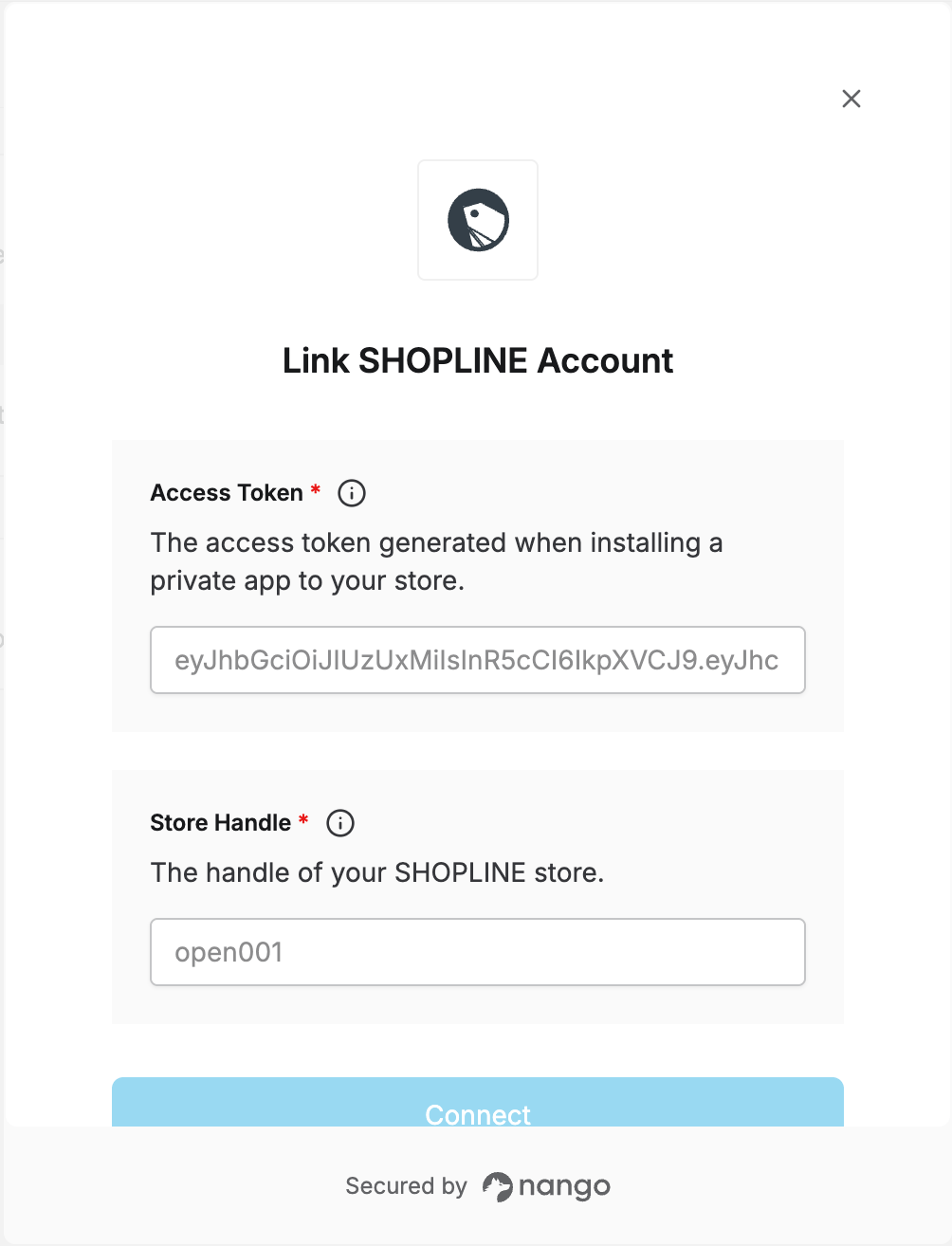 You are now connected to SHOPLINE.