> ## Documentation Index
> Fetch the complete documentation index at: https://nango-marcin-nan-6306-mcp-tool-connections-get.mintlify.site/llms.txt
> Use this file to discover all available pages before exploring further.
# Factorial (API Key) - How do I link my account?
# Overview
To authenticate with Factorial using an API key, you need:
1. **API Key** - A single token that grants full admin access to your company's Factorial account and never expires.
This guide will walk you through generating an API key from the Factorial platform.
API keys are not scoped to a user — they grant total access to the entire company account on the platform's behalf. Only a company administrator should generate one, and it's their responsibility to store it securely.
### Prerequisites
* Admin access to your company's Factorial account
### Instructions
#### Step 1: Generating your API key
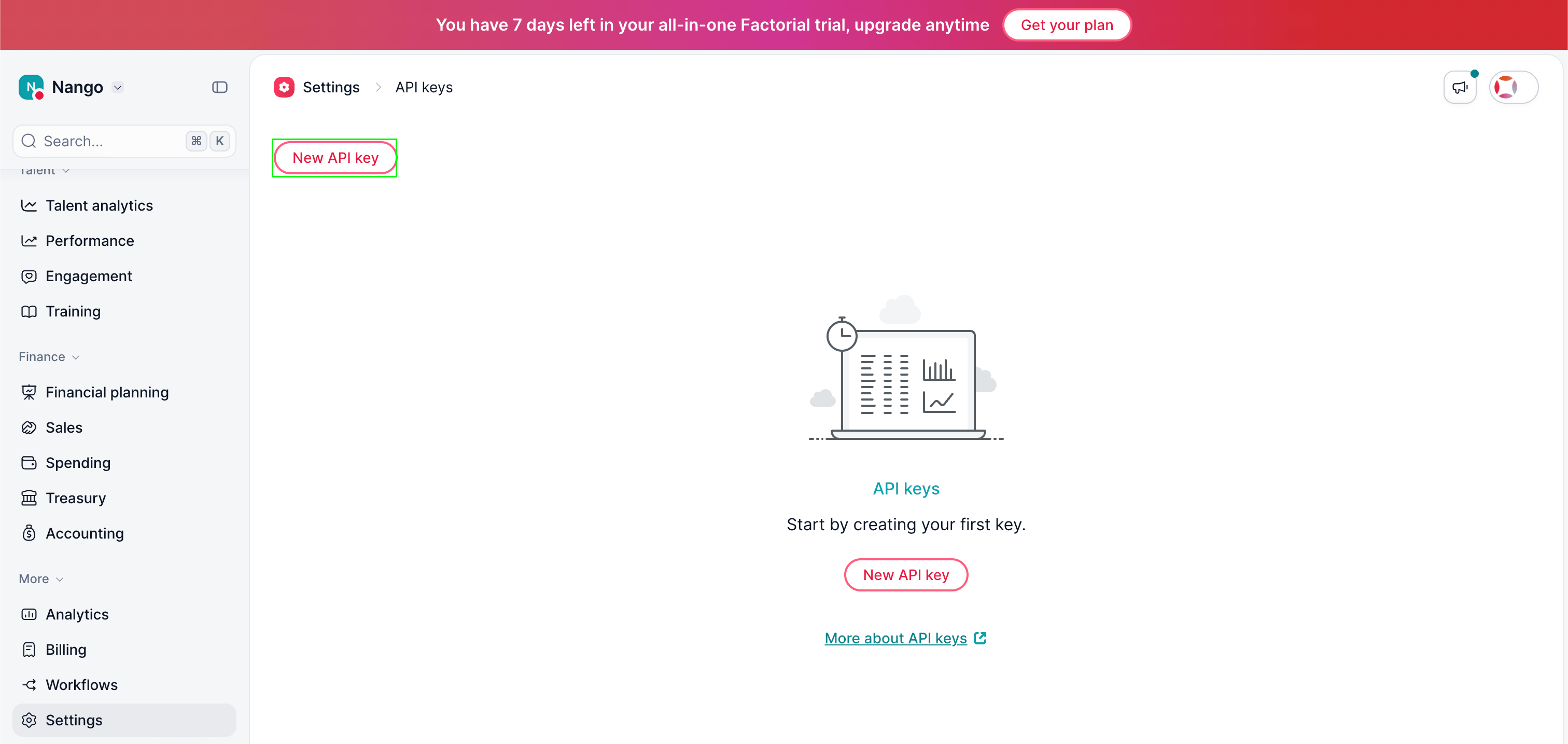
1. Log in to Factorial as an administrator and go to [**Settings → API Keys**](https://app.factorialhr.com/settings/api-keys).
2. Click **New API Key**.
 3. Enter a name for the key, then click **Get My API key**.
4. Copy the key that's shown — it is displayed only once. If you lose it, you'll need to generate a new one.
#### Step 2: Enter credentials in the Connect UI
Once you have your **API Key**:
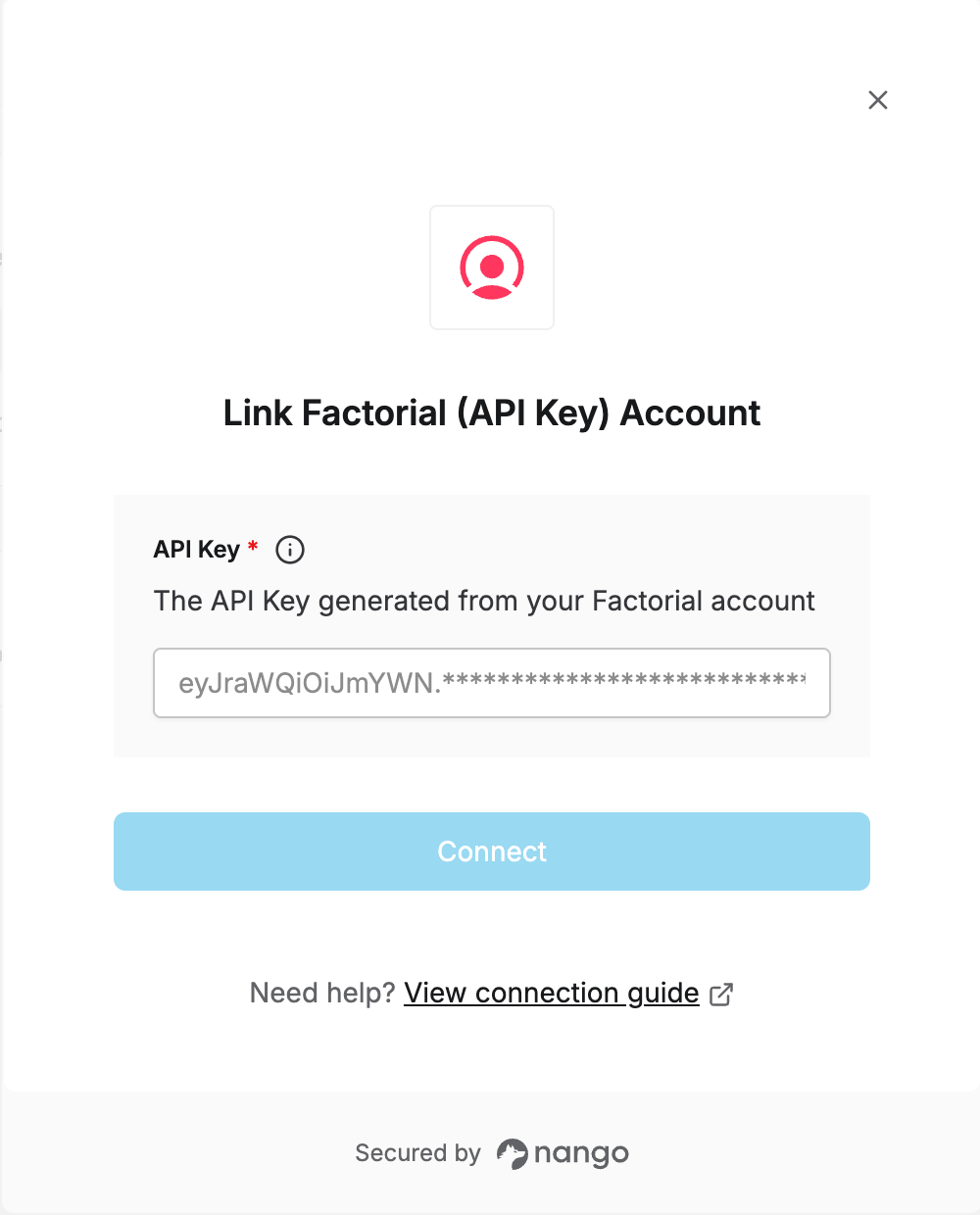
1. Open the form where you need to authenticate with Factorial.
2. Enter the **API Key** in the field provided.
3. Submit the form, and you should be successfully authenticated.
3. Enter a name for the key, then click **Get My API key**.
4. Copy the key that's shown — it is displayed only once. If you lose it, you'll need to generate a new one.
#### Step 2: Enter credentials in the Connect UI
Once you have your **API Key**:
1. Open the form where you need to authenticate with Factorial.
2. Enter the **API Key** in the field provided.
3. Submit the form, and you should be successfully authenticated.
 You are now connected to Factorial.